Hot lamination uses heat (typically 80–150°C) and pressure to bond a plastic film to a document, while cold lamination relies on a pressure-sensitive adhesive — no heat required. If you need to protect heat-sensitive materials like photos, inkjet prints, or specialty papers, cold lamination is the safer and often more practical choice. For high-volume office documents on standard paper, hot lamination delivers a durable, tight seal efficiently.
The choice between the two methods comes down to your material type, finish requirements, equipment availability, and intended use environment.
Hot lamination feeds a document through a heated roller machine. The heat activates a glue layer on the inner surface of the laminating pouch or roll film, which then fuses permanently to the substrate under pressure.
Hot lamination provides a stronger physical bond than cold methods, making it suitable for items that will be handled frequently or exposed to moisture. However, the heat can cause toner-based prints to smear, warp thin paper, or damage heat-reactive inks — a critical limitation to keep in mind.
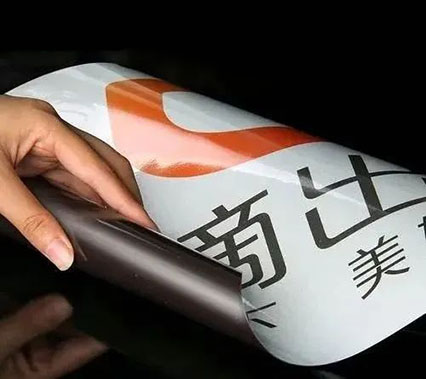
Cold lamination does not require any heat. The film carries a pre-applied pressure-sensitive adhesive (PSA) that bonds to the substrate simply through firm, even pressure — either from a manual roller or a cold laminator machine.
The cold laminating film adheres at room temperature, which makes it ideal for protecting materials that would be damaged or distorted by heat. It also allows repositioning during application, giving users more control and reducing costly mistakes.
| Feature | Hot Lamination | Cold Lamination |
| Heat Required | Yes (80–150°C) | No |
| Bond Type | Thermal adhesive | Pressure-sensitive adhesive (PSA) |
| Warm-up Time | 3–5 minutes typical | None |
| Safe for Photos/Inkjet | Risk of damage | Yes, fully safe |
| Finish Options | Gloss, matte | Gloss, matte, satin, textured, anti-scratch |
| Adhesion Strength | Very strong, permanent | Strong; some films allow repositioning |
| Equipment Needed | Hot laminator machine | Cold laminator or manual roller |
| Typical Applications | Documents, menus, ID cards | Photos, signage, banners, fine prints |
| Cost per Run | Lower for high volume | Slightly higher per sheet; less waste |
Cold lamination is the right choice in several specific situations where heat would cause problems or where precision matters more than speed.
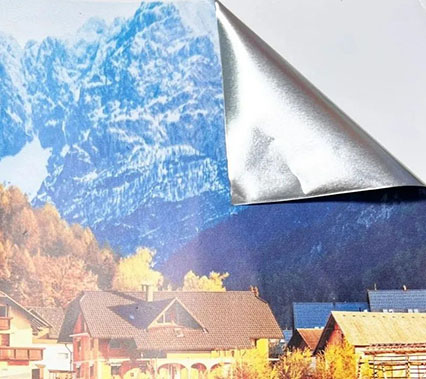
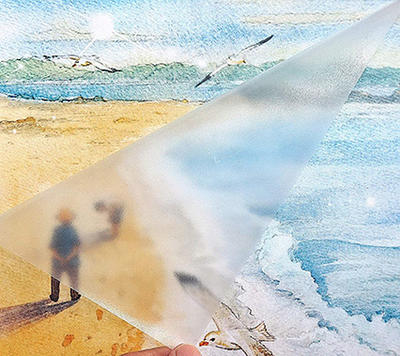
Inkjet-printed photos, fine art reproductions, and dye-sublimation prints can blister, smear, or discolor when exposed to laminator heat. Cold lamination eliminates this risk entirely, preserving color accuracy and surface quality.
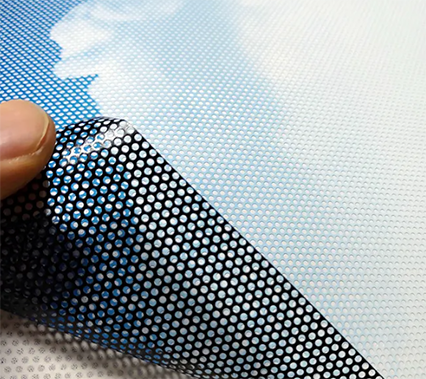
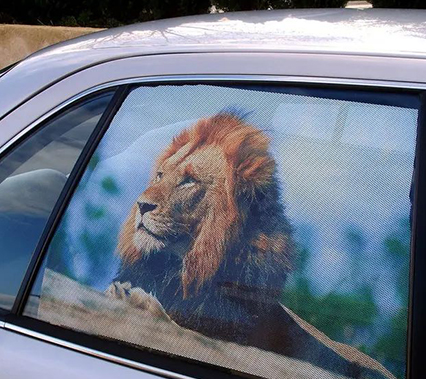
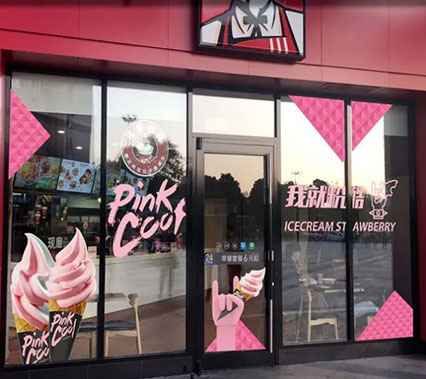
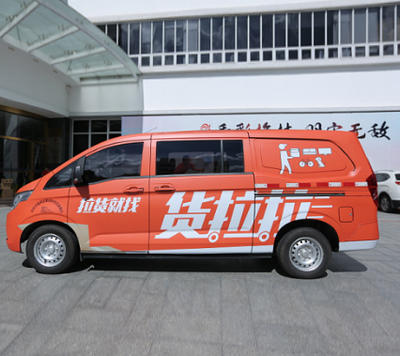
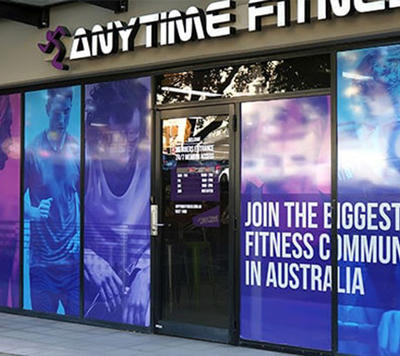
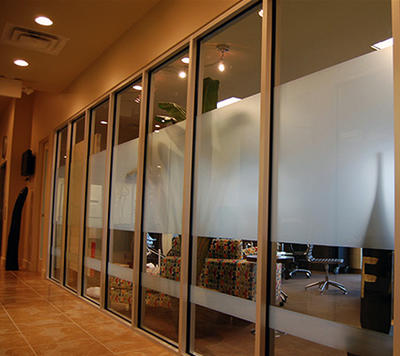
Cold lamination is standard practice in the wide-format printing industry. Vinyl banners, trade show graphics, window decals, and backlit displays are all routinely finished with cold laminating film because the film can be applied evenly across large surfaces without heat-related distortion.
Some cold laminating films are designed with a low-tack, repositionable adhesive. This is especially useful for temporary signage, point-of-sale displays, or situations where alignment needs to be adjusted before final commitment.
Manual cold lamination using a hand roller requires no electricity. For field use, pop-up shops, or remote locations, this is a significant practical advantage.
Hot lamination remains the preferred method for high-volume document protection in office and print-shop environments.
For laminating laser-printed documents, certificates, menus, or ID cards on standard 80–120 gsm paper, hot lamination delivers a firm, bubble-free bond with consistent results at high throughput — often processing 30–60 documents per minute on commercial machines.
The thermally activated adhesive in hot lamination typically creates a stronger mechanical bond than pressure-sensitive adhesive. For items that will be folded, bent, or handled intensively — such as luggage tags, membership cards, or instruction placards — hot lamination provides superior edge seal and delamination resistance.
Hot lamination film rolls are generally lower in unit cost compared to cold laminating films, making the method more economical when processing hundreds or thousands of documents regularly.
Cold laminating films are engineered with a multi-layer structure: a transparent plastic face film (usually PET or BOPP), a pressure-sensitive adhesive layer, and a silicone-coated release liner. The specific properties vary by product grade.
Understanding which lamination method to use is important, but correct technique matters just as much for achieving a clean, professional result.
Yes. Many cold laminating films are formulated for outdoor use with UV-resistant coatings and weatherproof adhesives. Check the product specifications for outdoor durability ratings before use.
For most display and protective applications, cold lamination provides comparable durability. Hot lamination has a slight edge in edge-seal strength for heavily handled documents, but cold lamination is preferred for photo and fine-print protection.
Yes. Small-format cold laminating films can be applied using a hand squeegee or rubber roller. For large formats, a cold laminator machine ensures consistent pressure and a bubble-free result.
For flexible applications like banners or signage, 30–75 microns is standard. For rigid card-like results, 100–125 micron films are appropriate. Thicker films offer more scratch protection but reduce flexibility.
High-quality cold laminating films with UV stabilizers resist yellowing for years. Lower-grade films without UV protection may show yellowing when exposed to sunlight over 12–24 months.
Standard glossy cold lamination is not writable. If you need a writable surface, select a cold laminating film with a matte or write-on finish specifically designed for this purpose.
COPYRIGHT ©2018 Shanghai Hanker Industrial Co., Ltd., ALL RIGHTS RESERVED.
 English
 简体中文
简体中文